

Didactic chatbot types - examples for your use
The AI assistant tool can be used very flexibly. The following chatbot types are examples that show the range of possible applications - without claiming to be exhaustive. Develop your own ideas and adapt the examples to your course. The descriptions serve as a starting point for your own concepts.
Socratic dialog partner: 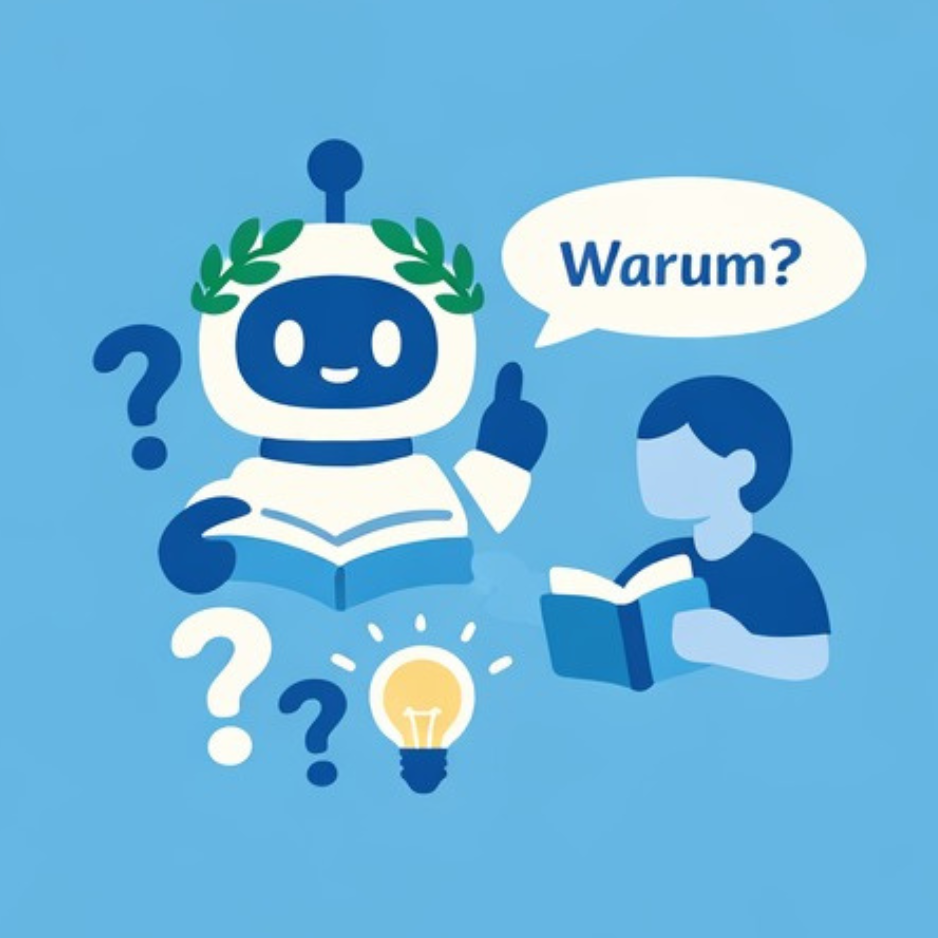
Asks questions, does not give complete solutions. Supports students in understanding difficult concepts.
Didactic function
Supports students in understanding difficult concepts and complex topics (e.g. thermodynamics, statistics, contract law) by not providing "ready-made solutions" but working in small steps with questions.
Goal: Conceptual, in-depth understanding instead of learning by rote.
Application scenarios
|
Scenario |
Scenario Description |
|
Inverted classroom |
Students work on content asynchronously and use the bot to deepen their knowledge |
|
Exercise mode |
Support for homework and lecture follow-up |
|
Self-study |
Individual learning at your own pace |
Technical implementation
- Recommended variant: Variant 2 (ILIAS + 1 document) for script-based bots
- Alternative: Variant 1 (AI toolbox full) for several documents
- Documents: Slide sets, scripts, exercise catalog with solutions
- System prompt instructions
Formative feedback coach: 
Automated, formative feedback on open short answers.
Didactic function
Automated, formative feedback on open short answers (definitions, calculation methods in words, arguments). Students compare their answers with target criteria.
Focus: quality of reasoning and depth of understanding.
Application scenarios
|
Scenario |
Scenario Description |
|
Exercises / self-study phases |
Formative feedback without grades |
|
Online tests |
Accompaniment of ungraded tests |
|
Peer review preparation |
Students learn criteria through bot feedback |
Technical implementation
- Recommended variant: Variant 1 (AI toolbox full) for several documents
- Alternative: Variant 2 (ILIAS + 1 document) for assessment grid
- Documents: Assignments, sample solutions, assessment grid
- Important: Bot may not award grades, only formative feedback
AI reflection and ethics coach:
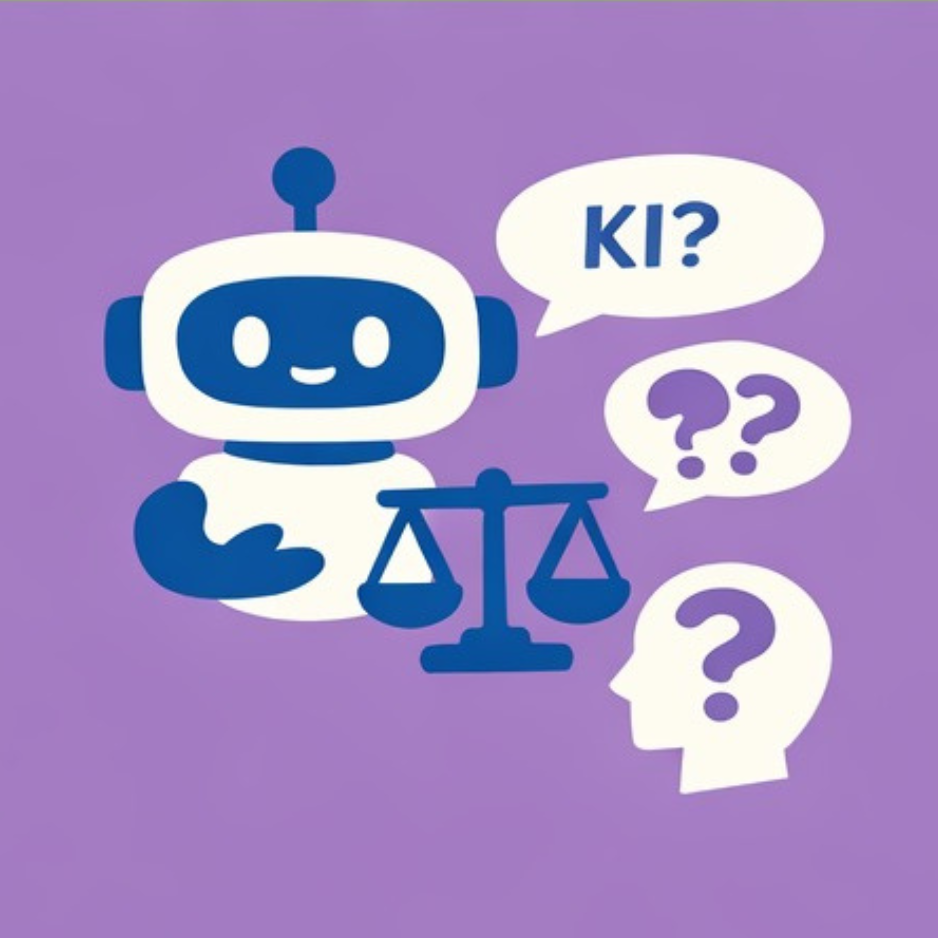
Encourages critical engagement with AI systems.
Didactic function
Supports research-based learning about AI itself: Students experiment with a bot that actively guides them to reflect on the biases, limitations, data protection and epistemic risks of generative AI.
Goal: Critical AI literacy.
Application scenarios
|
Scenario |
Scenario Description |
|
Interdisciplinary seminars |
Media competence, scientific ethics |
|
Reflection tasks |
"Critically analyze the bot response" |
|
Meta-learning |
AI as a learning object and tool at the same time |
Technical implementation
-
Recommended variant: Variant 3 (ILIAS only) for simple reflection bots
-
Alternative: Variant 2 (ILIAS + 1 document) with policy documents
- Documents: AI policies, data protection information, introductory texts on AI ethics
- System prompt instructions
Simulated expert dialog: 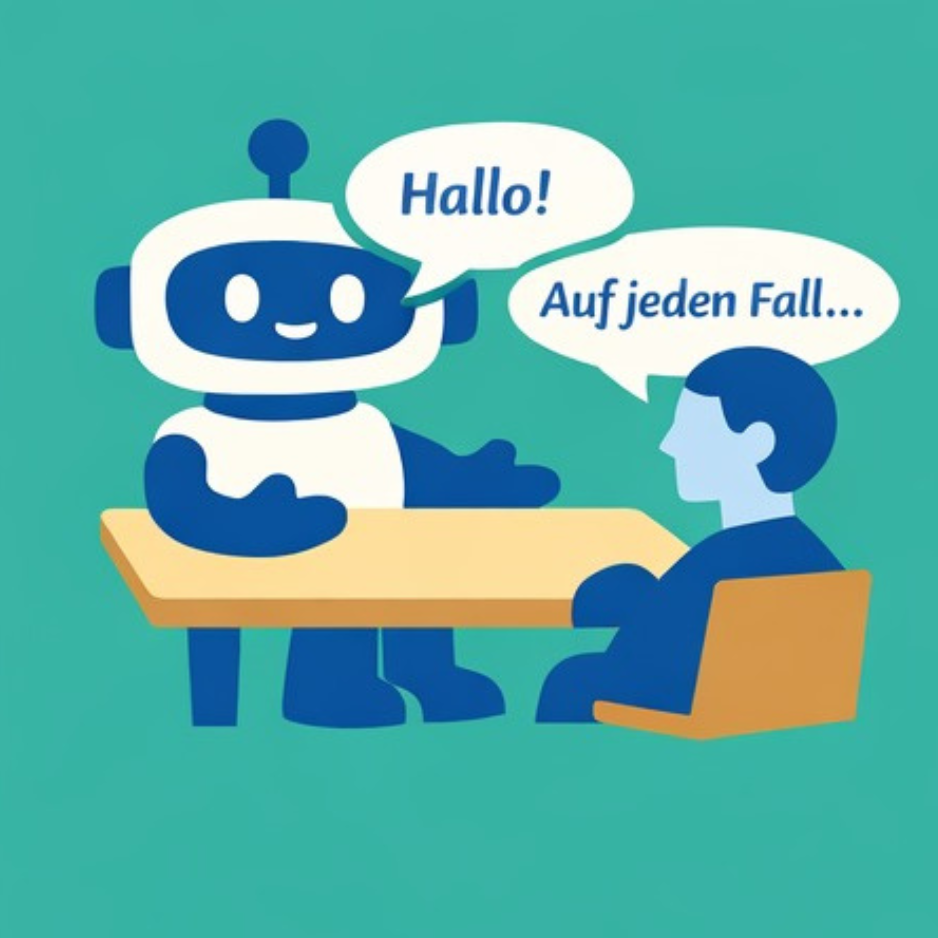
Role play for communication training with simulated expert discussions.
Didactic function
Students conduct a simulated expert discussion - e.g. with a "professor of climate policy", a "CIO of a clinic", an "engineer" or a "patient".
Objective: To practise conducting a discussion, adopting perspectives and technical argumentation.
Application scenarios
|
Scenario |
Scenario Description |
|
Communication subjects |
Social sciences, economics, engineering |
|
Role plays |
Simulation of consultation meetings |
|
Stakeholder dialogs |
Preparation for real discussions |
Technical implementation
- Recommended variant: Variant 1 (AI toolbox) for complex role scenarios
- Documents: Role descriptions, position papers, scenario texts -
- Special feature: Bot must maintain role fidelity and must not "fall out of role"

Laboratory and practical compass:
Explains safety rules, typical measurement procedures, troubleshooting according to official specifications.
Didactic function
Supports laboratory practicals or project laboratories: explains safety rules, typical measurement procedures, troubleshooting and interpretation of results - always strictly based on the institute's own specifications.
Application scenarios
|
Scenario |
Description |
|
Laboratory practicals |
Available on tablets/laptops in the lab |
|
Project labs |
Support with experimental setups |
|
Classroom sessions |
Support for practical exercises |
Technical implementation
- Recommended variant: Variant 2 (ILIAS + 1 document) for individual lab manuals
- Alternative: Variant 1 (AI toolbox) for several documents
- Documents: Laboratory manuals, safety regulations, experiment instructions
- Special feature: Safety-relevant information must be prominent
 Scientific writing coach:
Assists with term papers, project reports or theses - without ghostwriting.
Didactic function
Supports students with term papers, project reports or theses - with clear rules: Focus on structure, argumentation logic, choice of methods, not on "ghostwriting".
Application scenarios
|
Scenario |
Description |
|
Seminars / project modules |
Support for writing processes |
|
Final theses |
Support with research designs |
|
Writing Center |
Central offer for all students |
Technical implementation
- Recommended variant: Variant 1 (AI toolbox) for central writing centers
- Documents: Faculty guidelines, examination regulations, policy texts
- Important: System prompt must explicitly prevent "ghostwriting"
Selection guide: Which type for my course?
- What is your main learning objective?
- Understanding → Socratic dialog partner
- Practice → Feedback coach
- Writing → Writing coach
- Practice → Lab Compass
- Reflection → Ethics coach
- Dialogue → Expert dialog
- What documents do you have available?
- Scripts/slides → Socratic dialog partner, feedback coach
- Lab instructions → Lab compass
- Policies/guidelines → Writing coach, ethics coach
- Role scenarios → Expert dialog
- How complex should the facility be?
- Fast → Socratic dialog partner, ethics coach
- Medium → Laboratory compass
- Complex → Expert dialog, writing coach, feedback coach
Didactic integration
- Create transparency
- Address the use of chatbots explicitly in the course
- Explain the limits and possibilities
- Define clear rules of use with the students
- Bot as a tool, not a replacement
- The chatbot supplements but does not replace the teacher
- Make sure that students know when they should/can use the bot
- Integrate the bot into larger learning activities
- Improve it iteratively
- Test the bot thoroughly before use
- Collect feedback from students
- Customize system prompt and documents as needed